unset PYTHONPATH AMENT_PREFIX_PATH COLCON_PREFIX_PATH ROS_PACKAGE_PATH
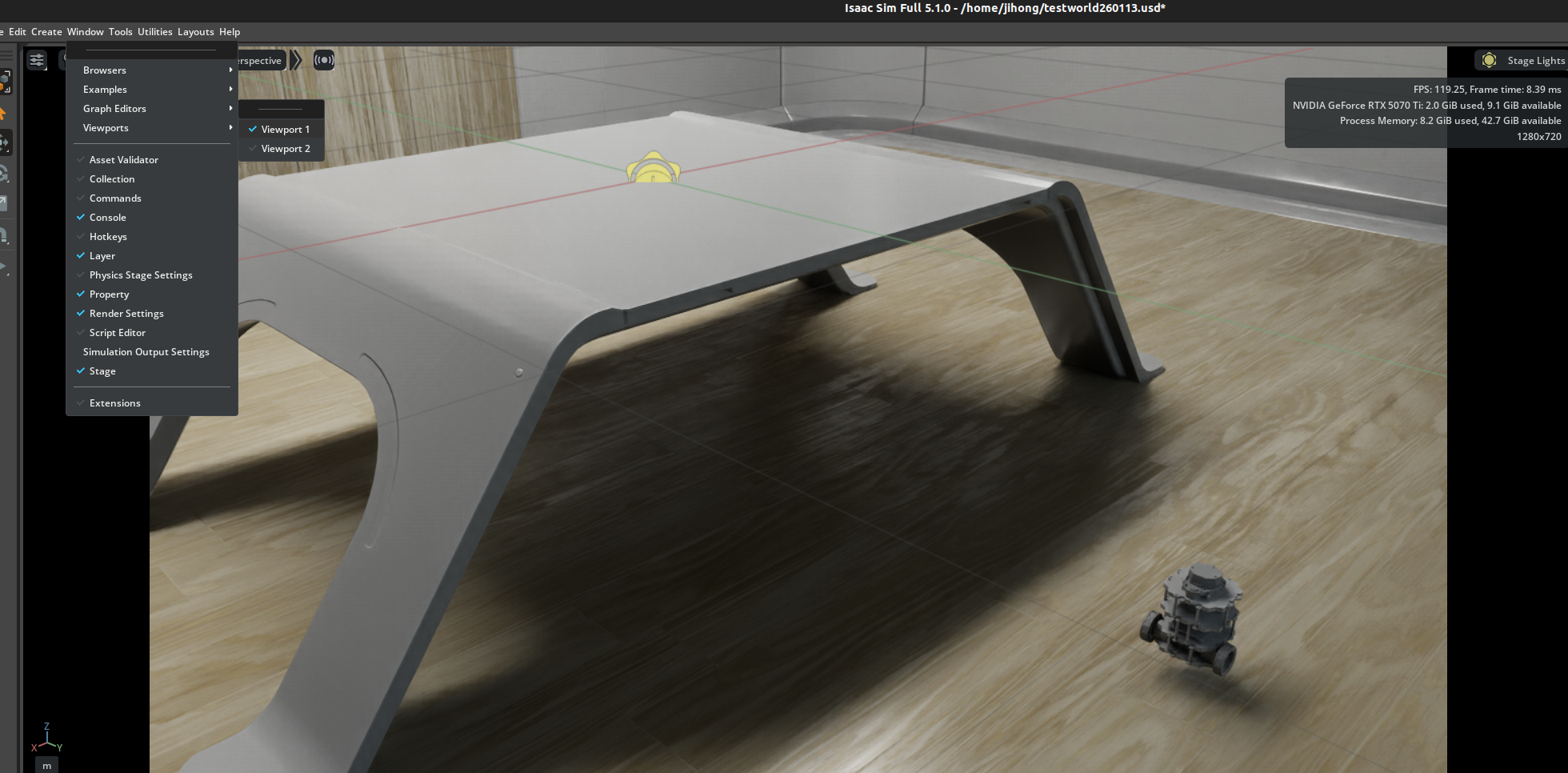
1. window --> viewports --> viewport 2도 선택
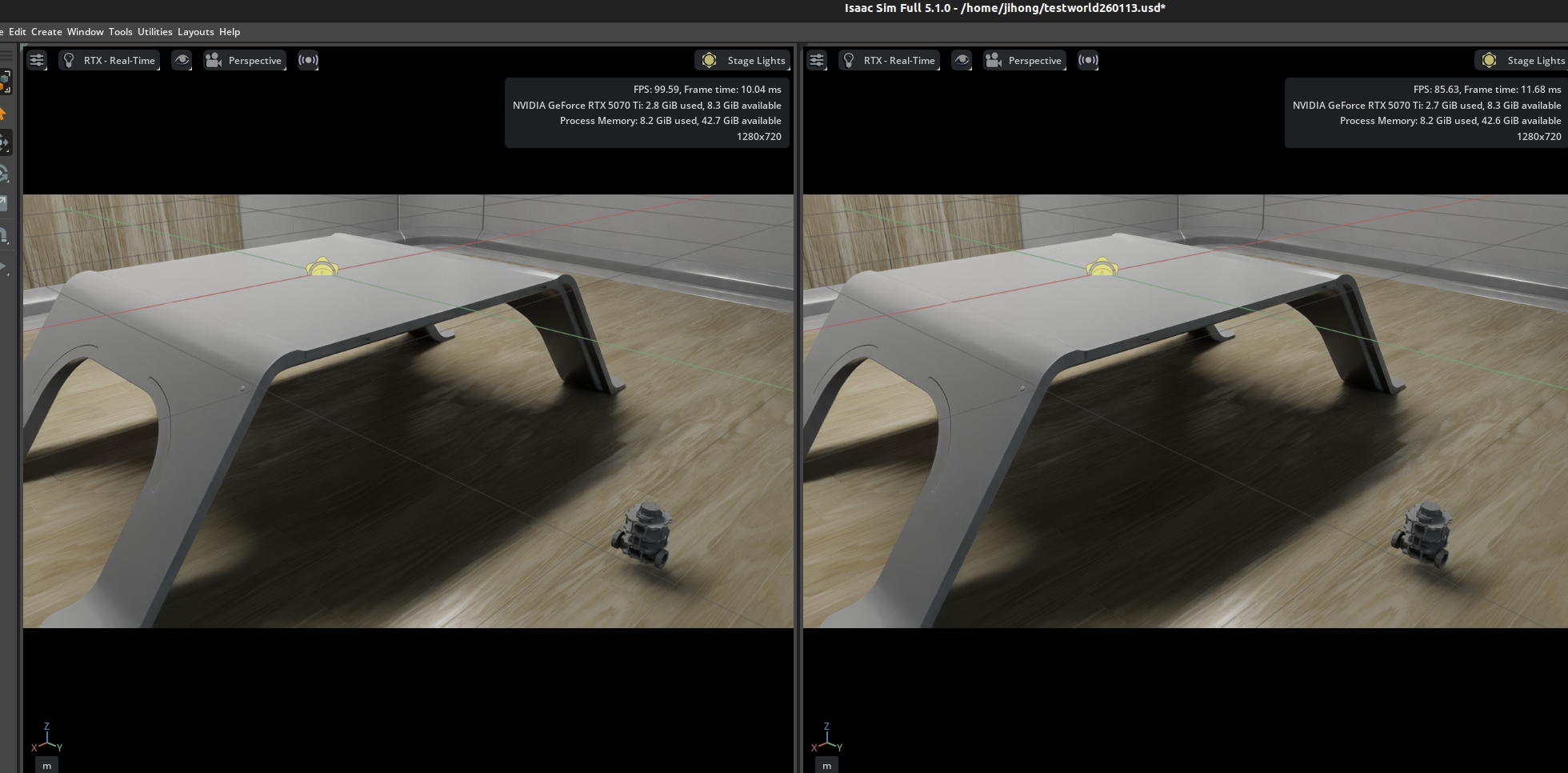
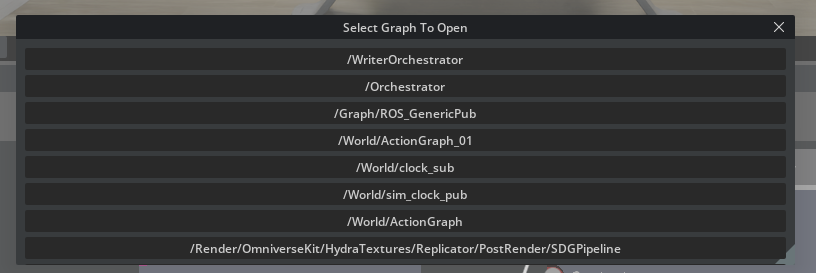
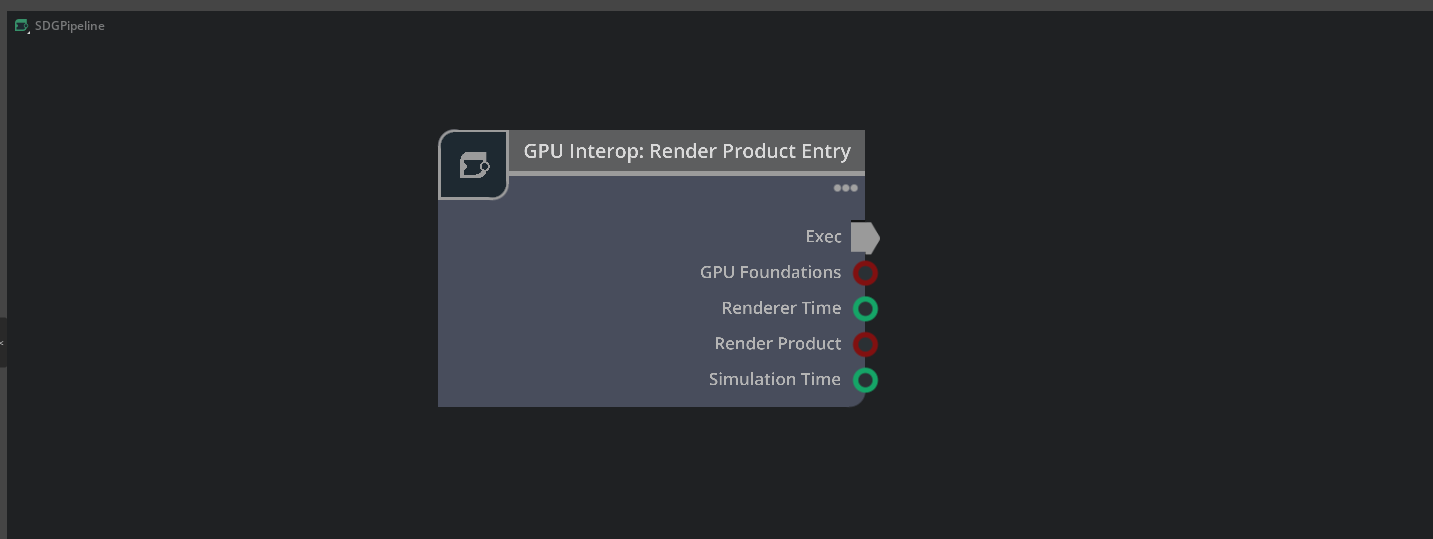
2. 다음과 같이 graph를 만든다.

3. isaac create render product에서 input의 cameraPrim을 수정 ( sim에서 camera를 추가해야함. )

4. ros2 camera helper node에서 아래와 같이....
- 이렇게 하면 카메라의 render product가 자동으로 생성된다.
- render product란?...
==> isaac sim에서 "camera가 실제로 rendering한 결과를 뽑아내기 위한 출력 대상"을 뜻한다.- 다시 말하면, camera prim은 "어디에 존재하는 어떠한 렌즈로 볼지"를 정의한 카메라 자체이다.
- render product는 camera로부터 나오는 render결과를 생성/저장/전달하는 pipeline의 출력 포인트.

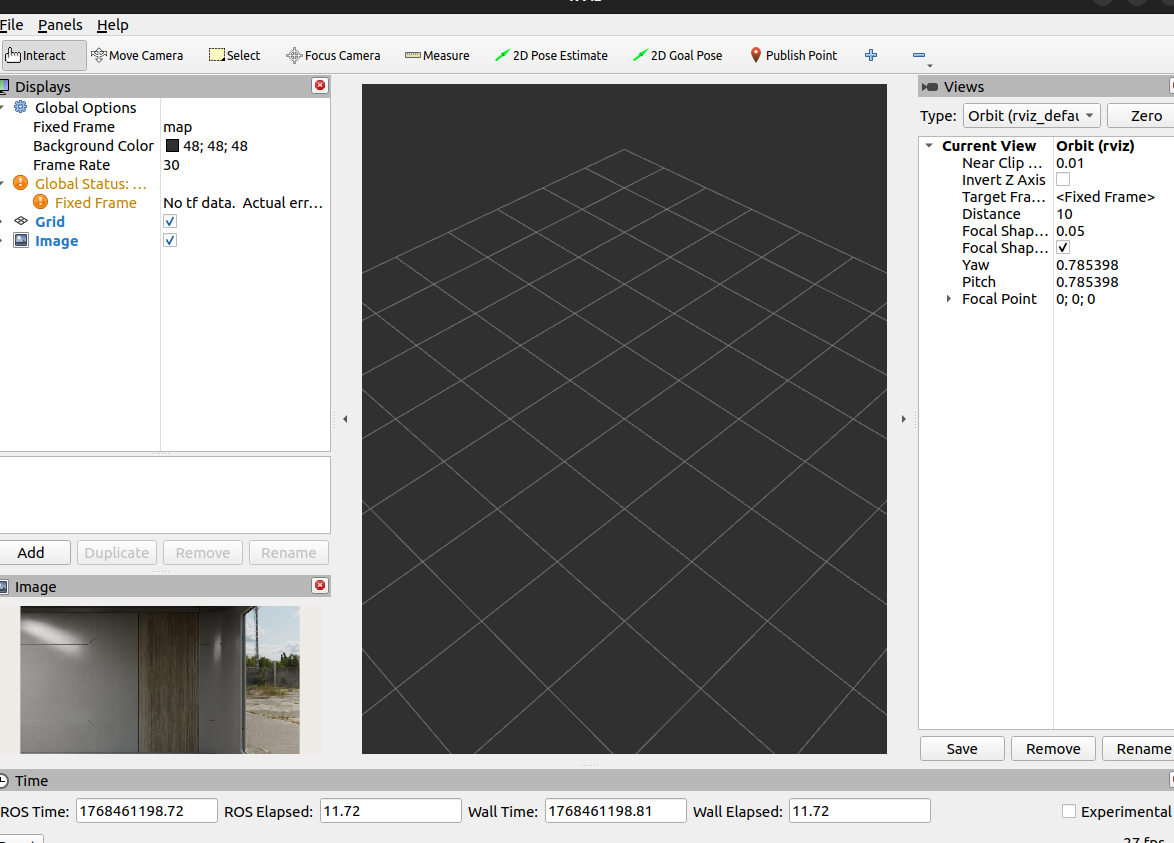
5. ros2 run rviz2 rviz2로 결과 확인
5. 그리고 이러한 그래프가 새로 생겼을거임. ( play를 중지하면 사라질거임.)
https://docs.isaacsim.omniverse.nvidia.com/5.1.0/ros2_tutorials/tutorial_ros2_camera_noise.html
Add Noise to Camera — Isaac Sim Documentation
The first step is to set the camera on the render product we want to use for capturing data. There are APIs to set the camera on the viewport, but there are also lower level APIs that use the render product prim directly. Both achieve the same. Because we
docs.isaacsim.omniverse.nvidia.com
해당 튜토리얼은 Isaac Sim 카메라에서 나오는 RGB 이미지에 노이즈(증강/augmentation)를 적용한 뒤, 그 결과를 ROS 2 이미지 토픽으로 퍼블리시하는 예제이다.
1. ./python.sh standalone_examples/api/isaacsihttp://m.ros2.bridge/camera_noise.py
2. ros2 run rviz2 rviz2

https://docs.isaacsim.omniverse.nvidia.com/5.1.0/ros2_tutorials/tutorial_ros2_camera_publishing.html
Publishing Camera’s Data — Isaac Sim Documentation
{camera_frame_id} -> {camera_frame_id}_world is a static transform consisting of only a rotation and zero translation. This static transform can be represented by the quaternion [0.5, -0.5, 0.5, 0.5] in [w, x, y, z] convention.
docs.isaacsim.omniverse.nvidia.com
1.
'코딩 및 기타' 카테고리의 다른 글
| pycharm tello (0) | 2026.01.28 |
|---|---|
| [isaac sim] ROS2 tutorials 3 (0) | 2026.01.16 |
| [isaac sim] ROS2 tutorials 1 (0) | 2026.01.13 |
| multi-head attention과 cross-attention , self-attention차이 (0) | 2026.01.06 |
| LayerNorm , AdaLN이란 (0) | 2026.01.05 |