Installation — Pegasus Simulator documentation
1. 우선 아래의 명령어 입력 ( 루트 말고 일반으로 )
sudo apt install libfuse2
wget https://install.launcher.omniverse.nvidia.com/installers/omniverse-launcher-linux.AppImage
2. 실행권한 부여

3. 실행 및 로그인
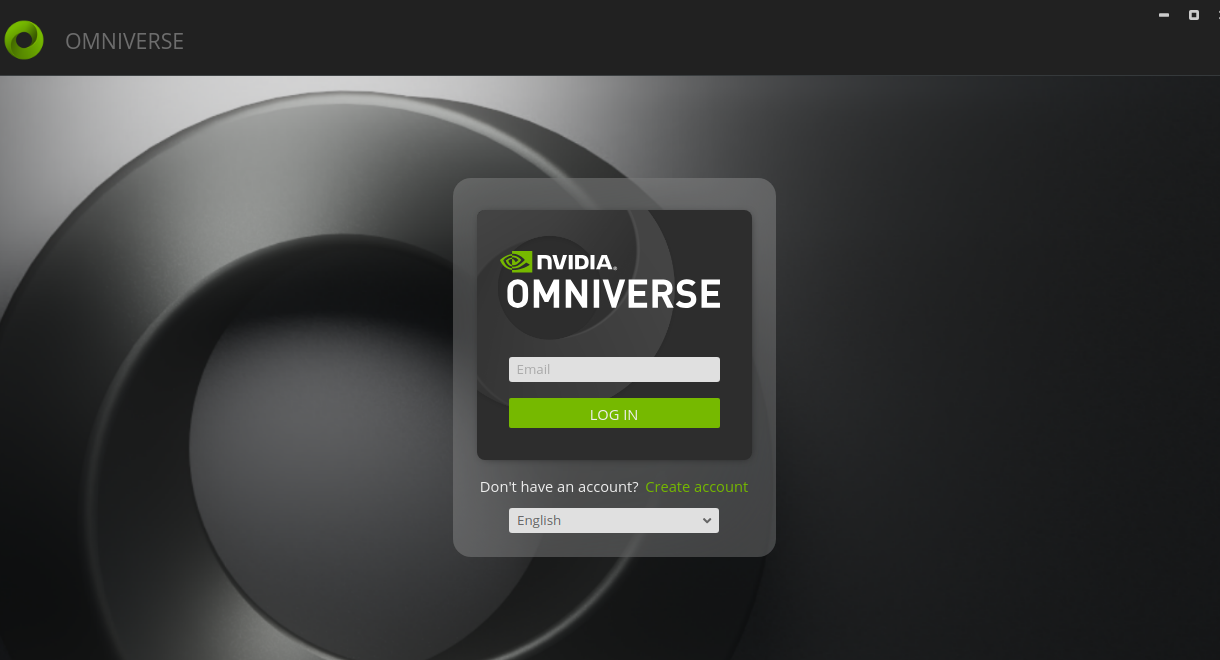
4. 로그인 됨
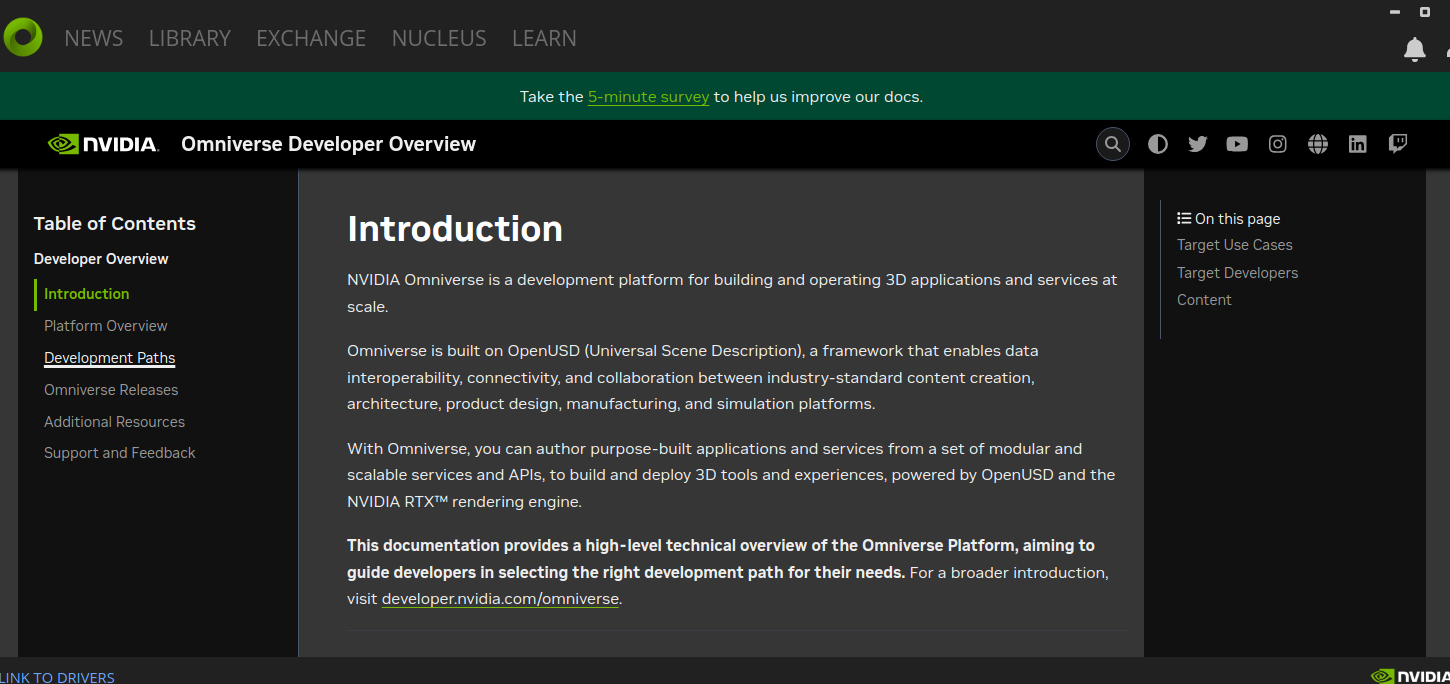
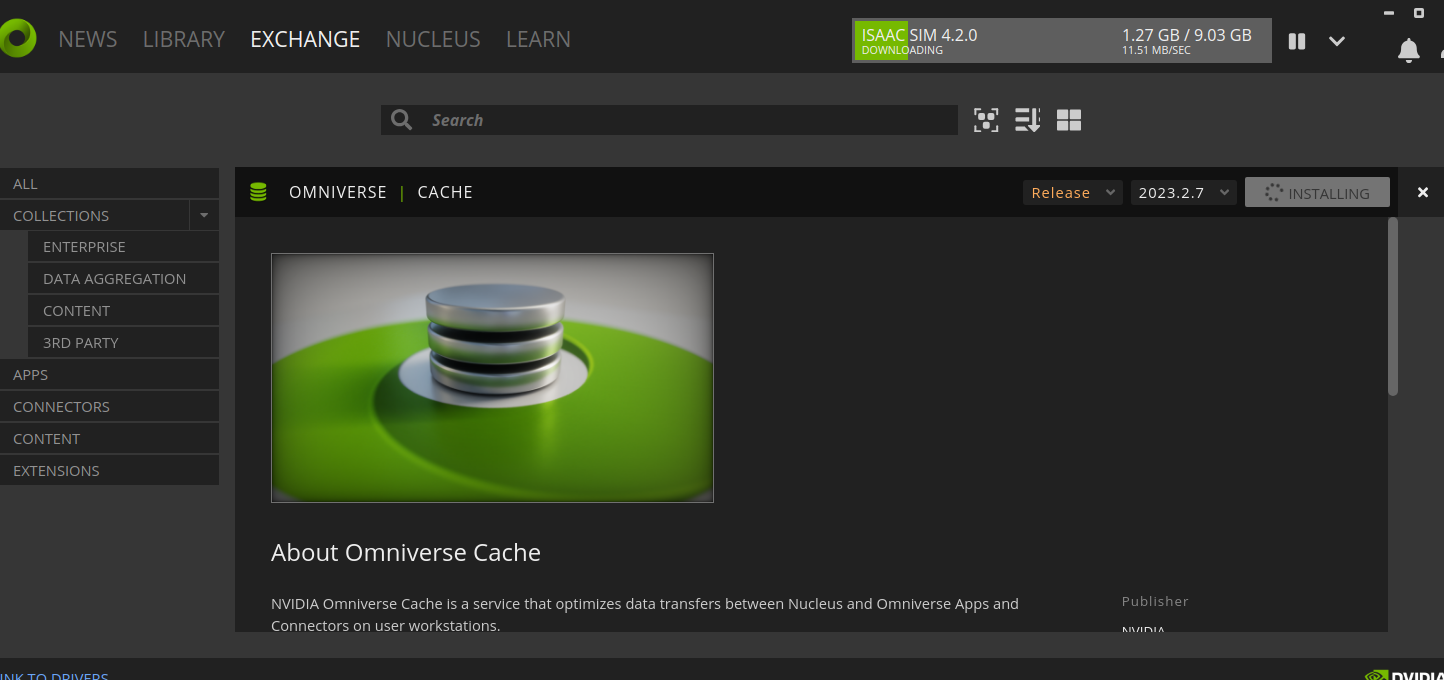
5. exchcange탭의 isaac sim을 install

6. omniverse cache도 설치
7. library에서 chage settings를 누른다.
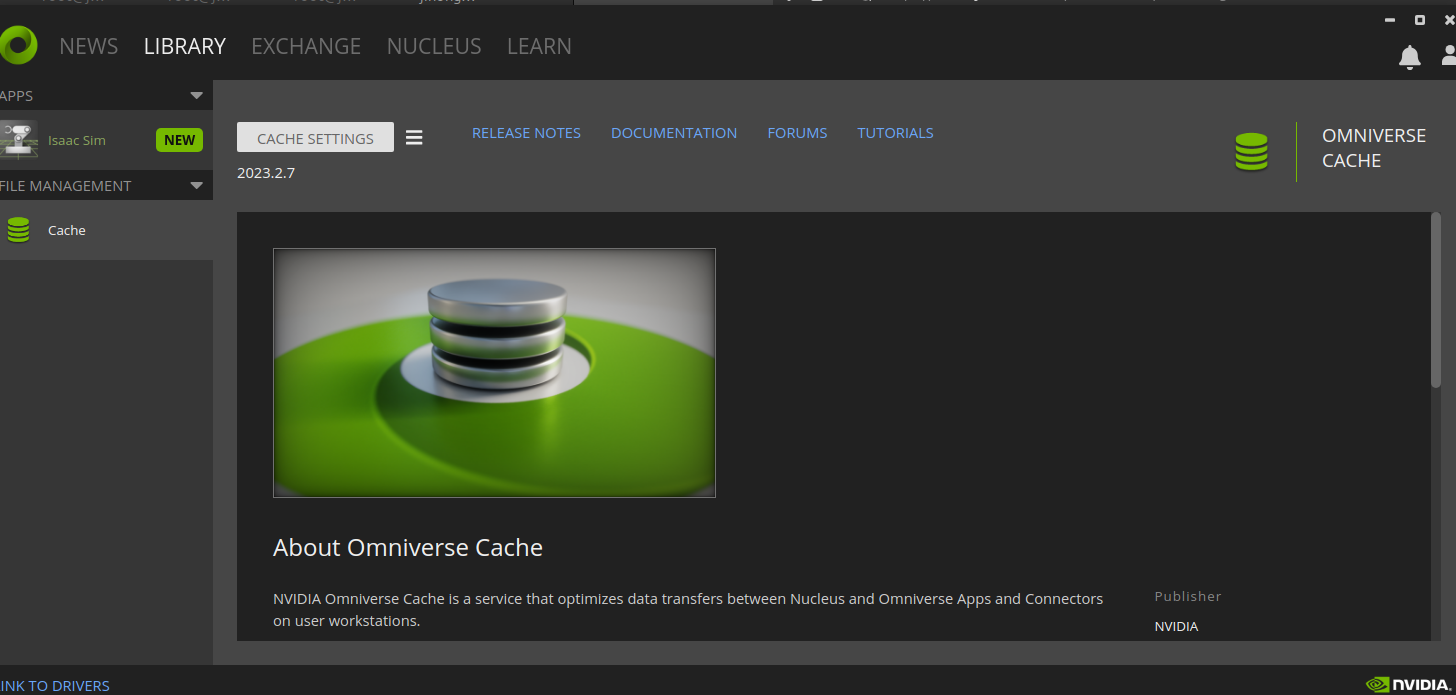

8. 설치한 isaac sim을 실행한다. 만약 오류가 난다면 아래 링크 참고.
https://forums.developer.nvidia.com/t/iommu-enabled-error-when-opening-omniverse-code/265229
IOMMU Enabled error when opening Omniverse Code
I cannot remember a change that may have caused this but I cannot open Omniverse Code from Omniverse Launcher. I am also a bit skeptical of doing changes and damaging my setup. Can you please suggest a non-intrusive and safe solution for launching Omnivers
forums.developer.nvidia.com
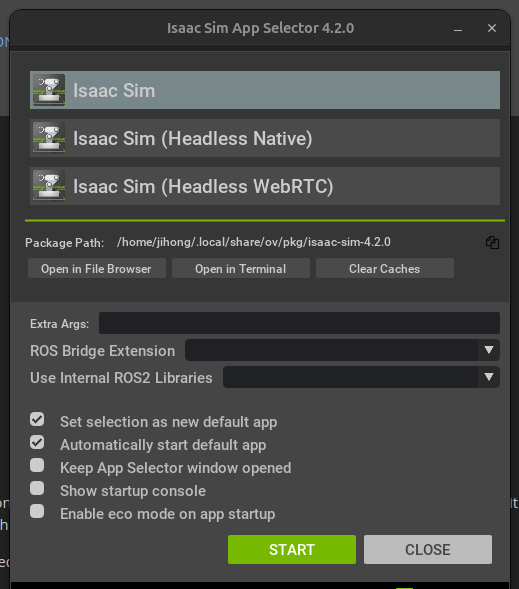
9. 그러면 아래와 같이 뜬다

9. bashrc를 다음과 같이 수정한다.
# Isaac Sim root directory
export ISAACSIM_PATH="${HOME}/.local/share/ov/pkg/isaac-sim-4.2.0"
# Isaac Sim python executable
alias ISAACSIM_PYTHON="${ISAACSIM_PATH}/python.sh"
# Isaac Sim app
alias ISAACSIM="${ISAACSIM_PATH}/isaac-sim.sh"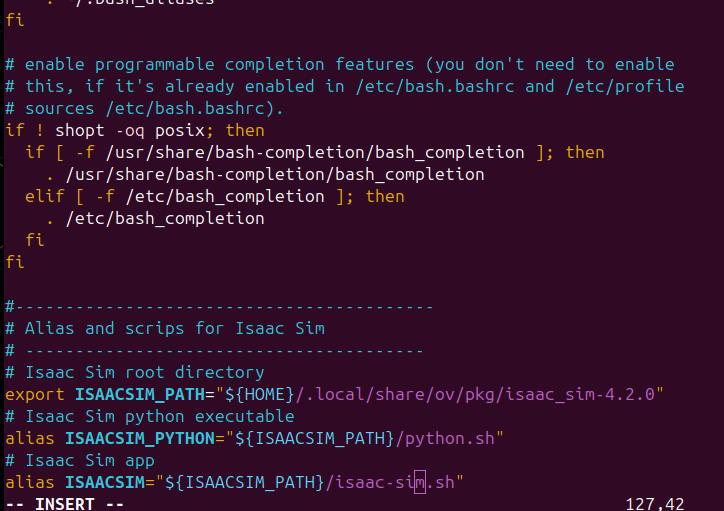
10. source .bashrc를 입력해서 적용시켜줌
11. 아래 명령어를 입력하며 제대로 되었는지 확인
ISAACSIM --help

ISAACSIM
12. 아래 명령어들로 한번 더 확인
ISAACSIM_PYTHON -c "print('Hello World.')"
ISAACSIM_PYTHON ${ISAACSIM_PATH}/standalone_examples/api/omni.isaac.core/add_cubes.py
13. 다 되면 된거
'코딩 및 기타' 카테고리의 다른 글
| isaac sim ui에 대해서... (0) | 2025.01.04 |
|---|---|
| isaac sim 서드파티 error ( path tracking ) (0) | 2025.01.04 |
| ros ubuntu install (1) | 2024.12.30 |
| 뉴런의 표현 , 활성화 함수 , 손실 함수 , 경사하강법 (0) | 2024.12.18 |
| openAI Gym test (0) | 2024.12.16 |