gazebo/Nav2
nav2 - (SLAM) Navigating While Mapping
정지홍
2025. 4. 3. 12:09
https://docs.nav2.org/tutorials/docs/navigation2_with_slam.html
(SLAM) Navigating While Mapping — Nav2 1.0.0 documentation
2- Launch SLAM Bring up your choice of SLAM implementation. Make sure it provides the map->odom transform and /map topic. Run Rviz and add the topics you want to visualize such as /map, /tf, /laserscan etc. For this tutorial, we will use SLAM Toolbox. ros2
docs.nav2.org
1. 아래의 명령어로 시뮬레이터를 띄운다.
ros2 launch turtlebot4_gz_bringup turtlebot4_gz.launch.py slam:=false nav2:=false rviz:=false use_sim_time:=true
2. 아래의 명령어
ros2 launch nav2_bringup navigation_launch.py use_sim_time:=true
3. 아래의 명령어
ros2 launch slam_toolbox online_async_launch.py use_sim_time:=true
4. rviz2를 띄운다.
rviz2
5. 아래와 같이 입력해서 로봇을 이동시켜본다.
ros2 topic pub /cmd_vel geometry_msgs/msg/TwistStamped "{header: {stamp: {sec: 0, nanosec: 0}, frame_id: 'base_link'}, twist: {linear: {x: 0.5, y: 0.0, z: 0.0}, angular: {x: 0.0, y: 0.0, z: 1.0}}}"
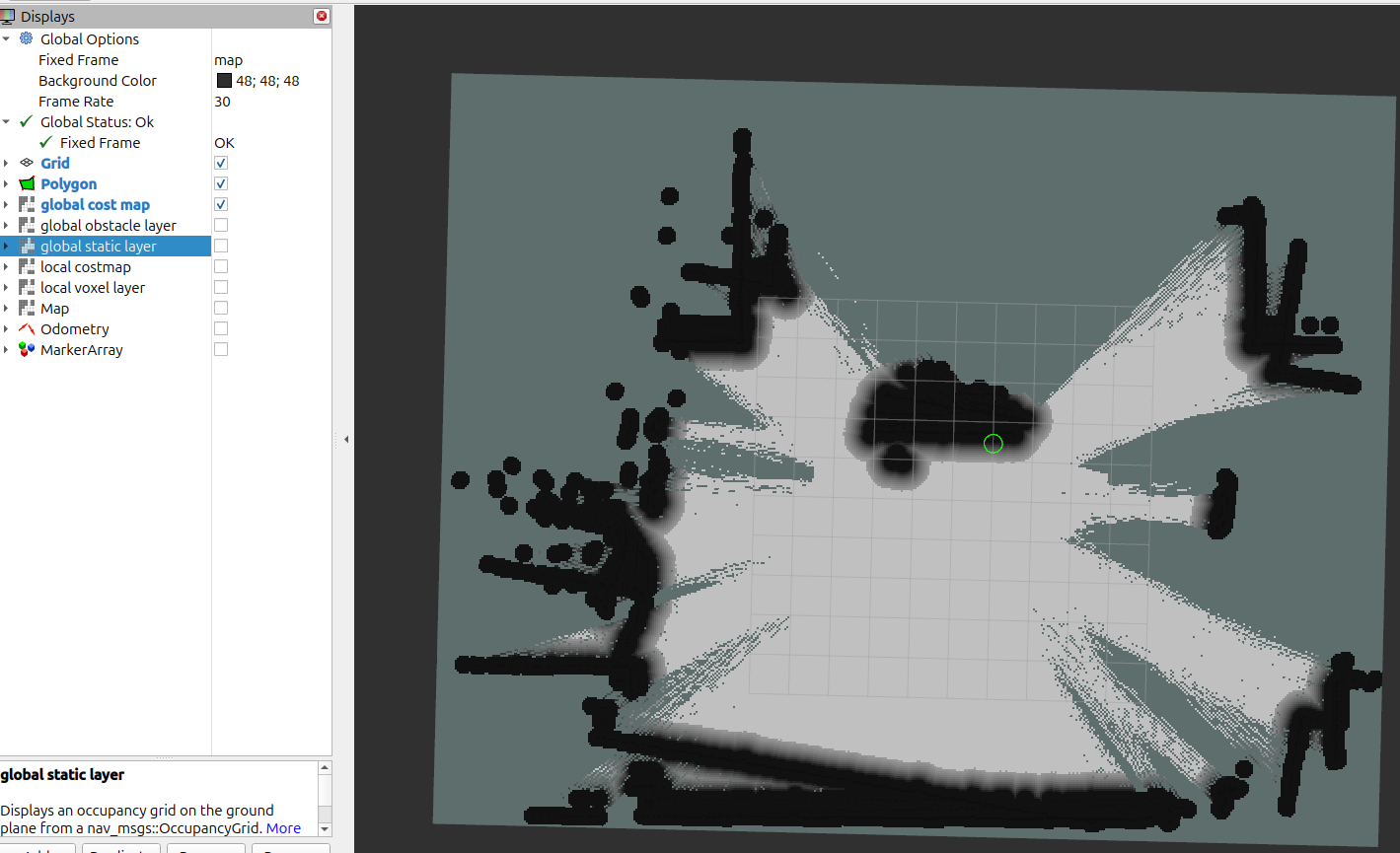
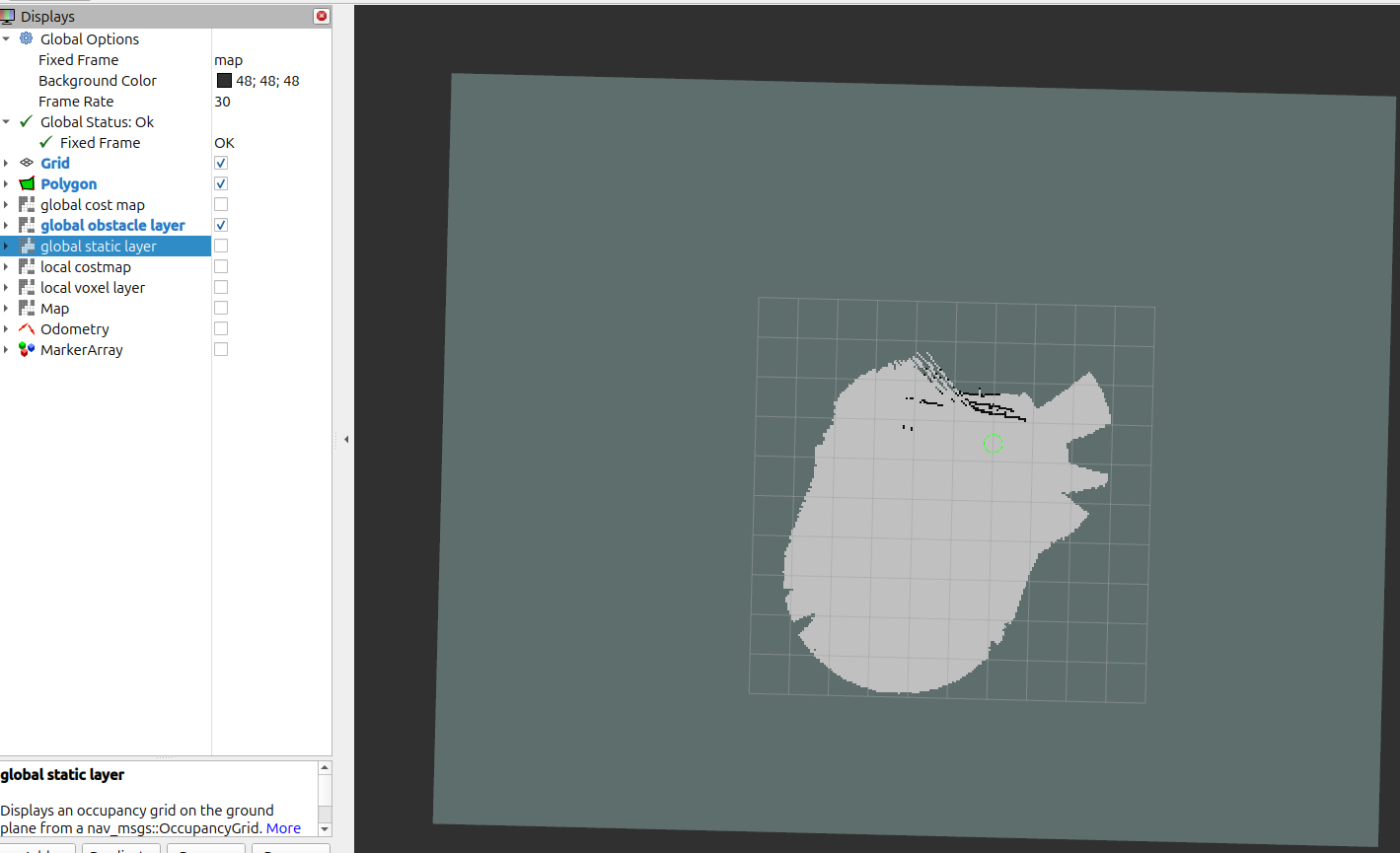
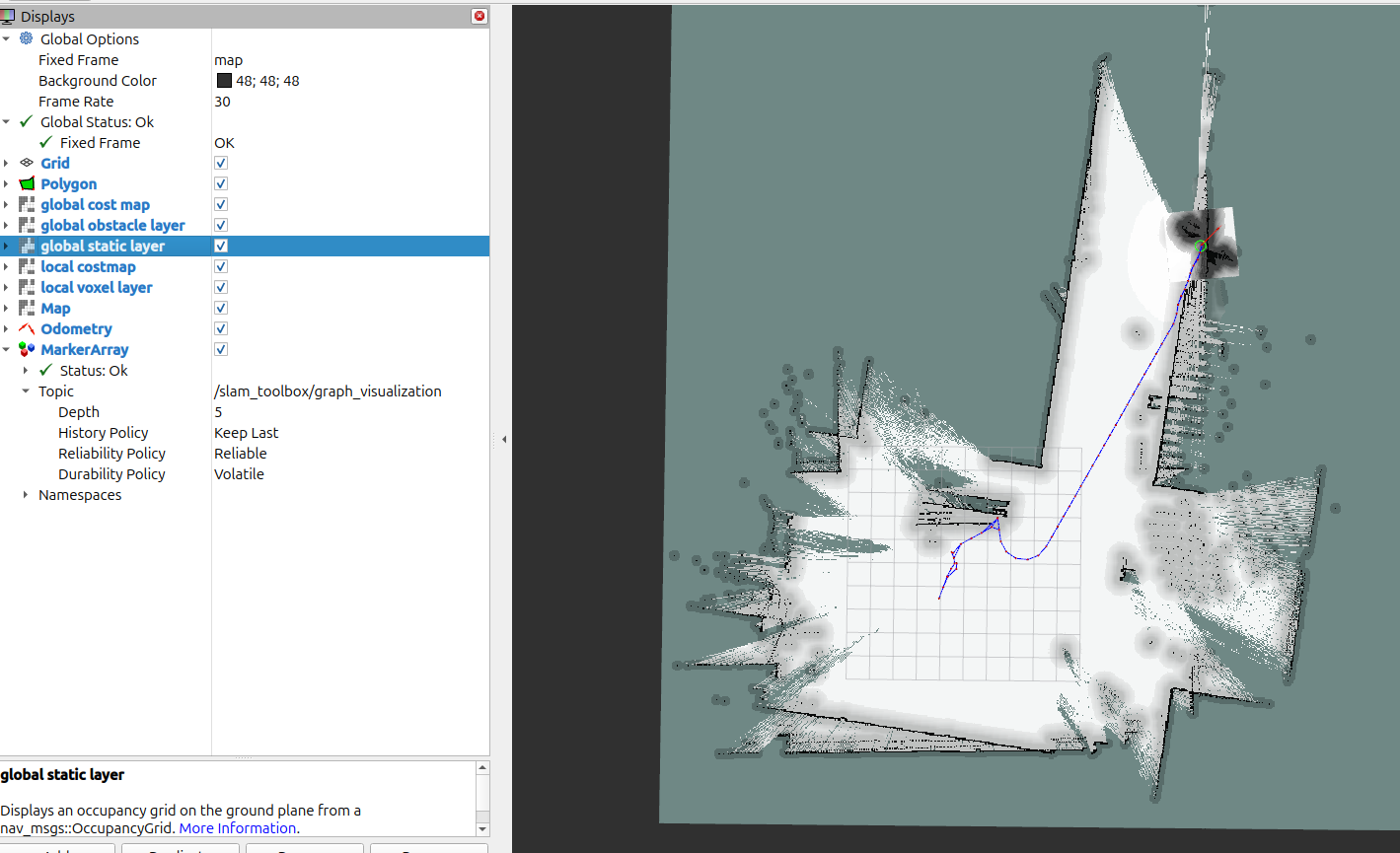
6. 그러면 rviz2에서 시각화 됨을 확인할수있음