리눅스/kafka
kafka project 기본적인거 정리
정지홍
2024. 11. 27. 10:47
1. 우선 나는 지금까지 한것을 바탕으로 프로젝트를 해볼것이다.
- https://jihong.tistory.com/436 카프카 스프링에서 특정한 url로 요청을 듣다가 메시지를 토픽으로 보내는 부분 활용
- https://jihong.tistory.com/440 카프카 streams를 spring에서 작동하게 하는 부분을 활용할 것임
- https://jihong.tistory.com/381 파일을 읽어서 프로듀싱하는 부분을 활용할건데, 나는 토픽으로 보내지 않고 url로 보낼거임
- https://jihong.tistory.com/430 스프링 프로젝트는 다음과 같이 시작하였다.
2. 디렉토리 구조임
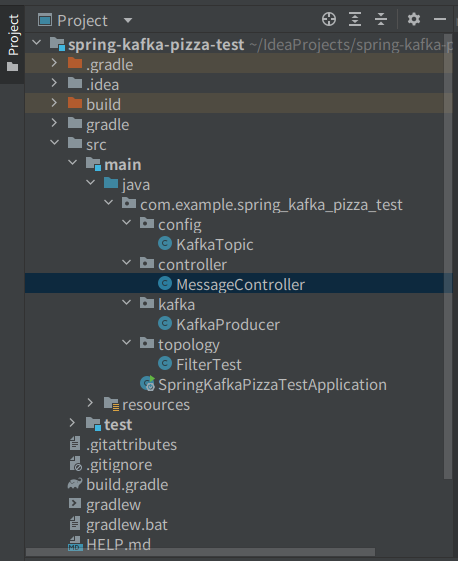
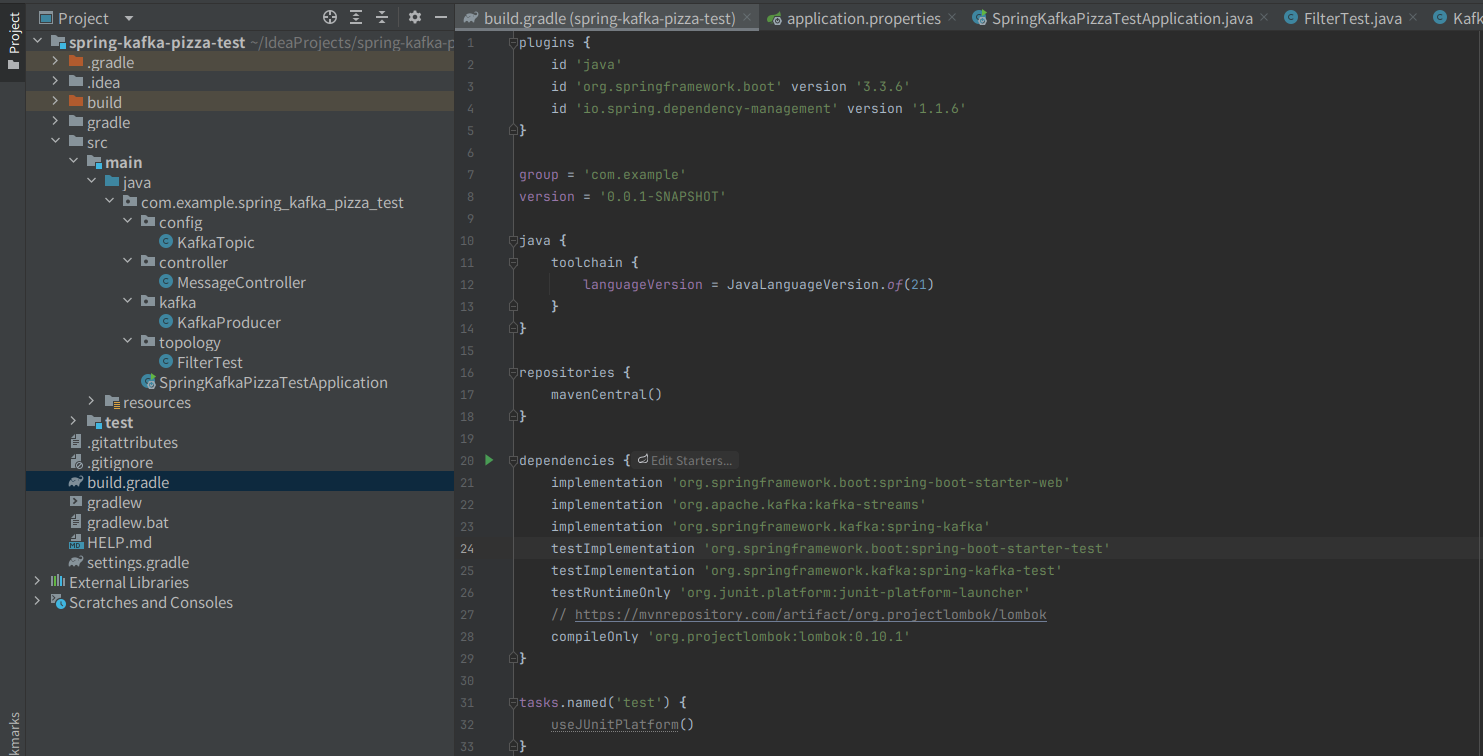
3. build.gradle이며, lombok만 더 추가 시켜줌
plugins {
    id 'java'
    id 'org.springframework.boot' version '3.3.6'
    id 'io.spring.dependency-management' version '1.1.6'
}

group = 'com.example'
version = '0.0.1-SNAPSHOT'

java {
    toolchain {
       languageVersion = JavaLanguageVersion.of(21)
    }
}

repositories {
    mavenCentral()
}

dependencies {
    implementation 'org.springframework.boot:spring-boot-starter-web'
    implementation 'org.apache.kafka:kafka-streams'
    implementation 'org.springframework.kafka:spring-kafka'
    testImplementation 'org.springframework.boot:spring-boot-starter-test'
    testImplementation 'org.springframework.kafka:spring-kafka-test'
    testRuntimeOnly 'org.junit.platform:junit-platform-launcher'
    // https://mvnrepository.com/artifact/org.projectlombok/lombok
    compileOnly 'org.projectlombok:lombok:0.10.1'
}

tasks.named('test') {
    useJUnitPlatform()
}
4.apllication.properties는 아래와 같이 작성함
spring.application.name=spring-kafka-pizza-test
spring.kafka.consumer.bootstrap-servers=localhost:9092
spring.kafka.consumer.group-id=testGroup
spring.kafka.consumer.auto-offset-reset=earliest
spring.kafka.consumer.key-deserializer=org.apache.kafka.common.serialization.StringDeserializer
spring.kafka.consumer.value-deserializer=org.apache.kafka.common.serialization.StringDeserializer

spring.kafka.producer.bootstrap-servers=localhost:9092
spring.kafka.producer.key-serializer=org.apache.kafka.common.serialization.StringSerializer
spring.kafka.producer.value-serializer=org.apache.kafka.common.serialization.StringSerializer


# Kafka Streams 설정
# kafka streams의 고유한 id를 설정
spring.kafka.streams.application-id=springboot-kafka-test
spring.kafka.streams.bootstrap-servers=localhost:9092
spring.kafka.streams.properties.default.key.serde=org.apache.kafka.common.serialization.Serdes$StringSerde
spring.kafka.streams.properties.default.value.serde=org.apache.kafka.common.serialization.Serdes$StringSerde

# 입력 토픽 설정 (필요에 따라 추가)
# spring.kafka.streams.input-topic=your-input-topic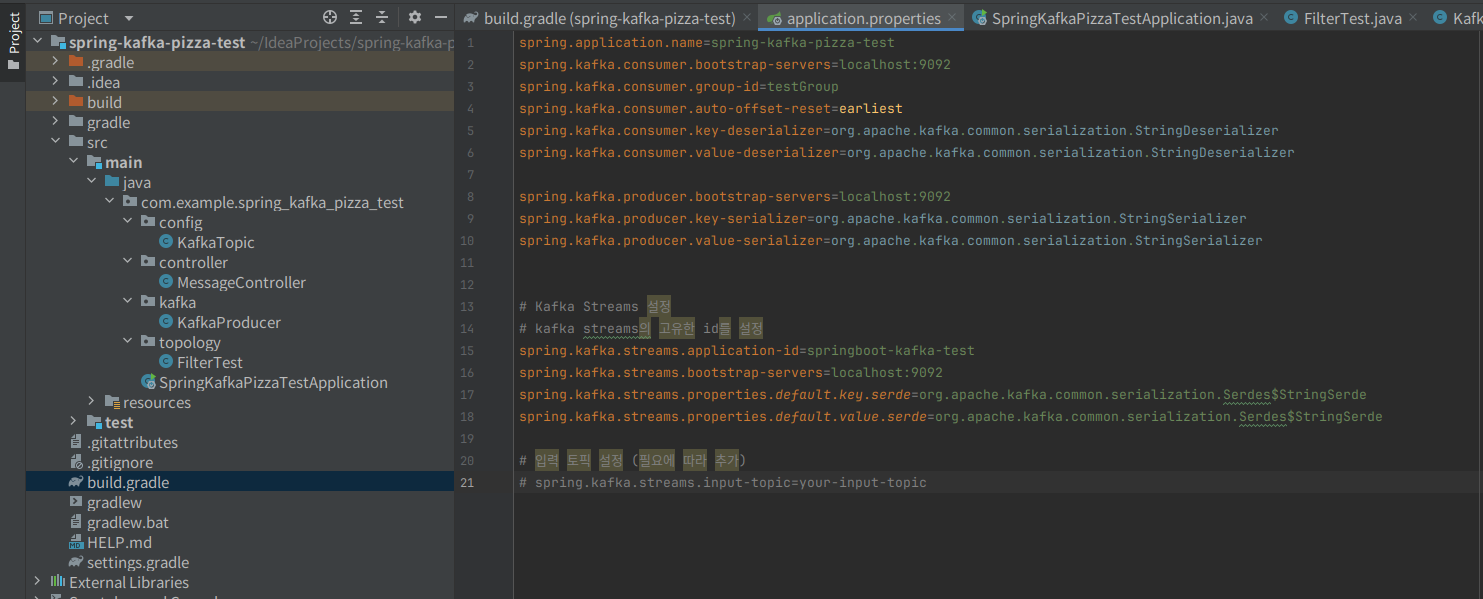
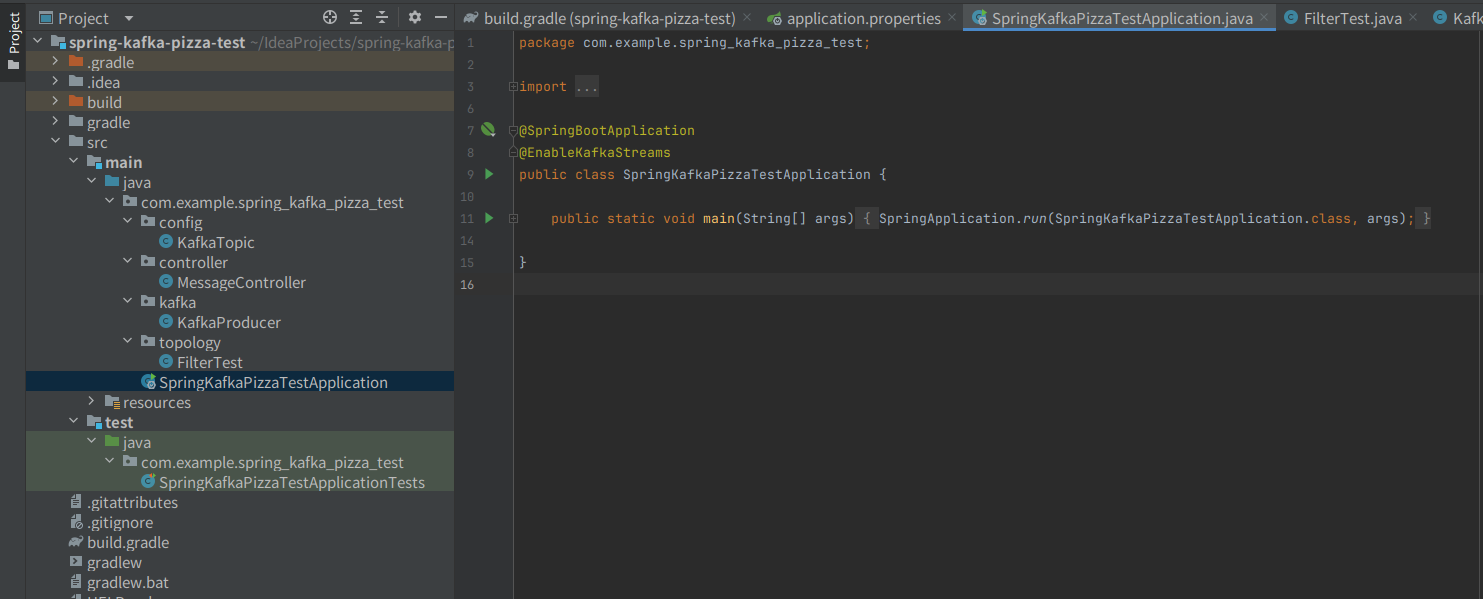
5. run application는 다음과 같이 되어있음
- EnableKafkaStreams만 추가를 더 시킴
package com.example.spring_kafka_pizza_test;

import org.springframework.boot.SpringApplication;
import org.springframework.boot.autoconfigure.SpringBootApplication;
import org.springframework.kafka.annotation.EnableKafkaStreams;

@SpringBootApplication
@EnableKafkaStreams
public class SpringKafkaPizzaTestApplication {

    public static void main(String[] args) {
       SpringApplication.run(SpringKafkaPizzaTestApplication.class, args);
    }

}
6. config package의 KaakaTopic class
package com.example.spring_kafka_pizza_test.config;

import com.example.spring_kafka_pizza_test.topology.FilterTest;
import org.apache.kafka.clients.admin.NewTopic;
import org.springframework.context.annotation.Bean;
import org.springframework.context.annotation.Configuration;
import org.springframework.kafka.config.TopicBuilder;

import java.util.logging.Filter;
// configuration 어노테이션은 이 클래스가 하나 이상의 @bean 메서지를 정의하는 클래스임을 나타낸다.
// 즉, 이 클래스는 spring Ioc( inversion of control)컨테이너에서, bean으로 관리되며, 필요한 객체를 생성 및 주입하는데 사용
@Configuration
public class KafkaTopic {
    @Bean
    public NewTopic pizzaTopic(){
        return TopicBuilder.name(FilterTest.sourceTopic).partitions(3).replicas(1).build();
    }

    @Bean
    public NewTopic pizzaTopicA(){
        return TopicBuilder.name(FilterTest.sinkTopic).partitions(3).replicas(1).build();
    }
}
// bean은 spring container에 의해 관리될 객체(bean)을 정의할때 사용
// 위의 경우, pizzaTopic매서드는 새로운 카프카 토픽을 생성하고, 이를 spring container에서 bean으로 관리하게 함.

// TopicBuilder는 kafka에서 사용할 새로운 topic을 구성하는데 사용하는 빌더 클래스
// 이클래스의 name메서드는 토픽의 이름을 지정.
// build매서드는 설정이 완료된 NewTopic객체를 반환한다.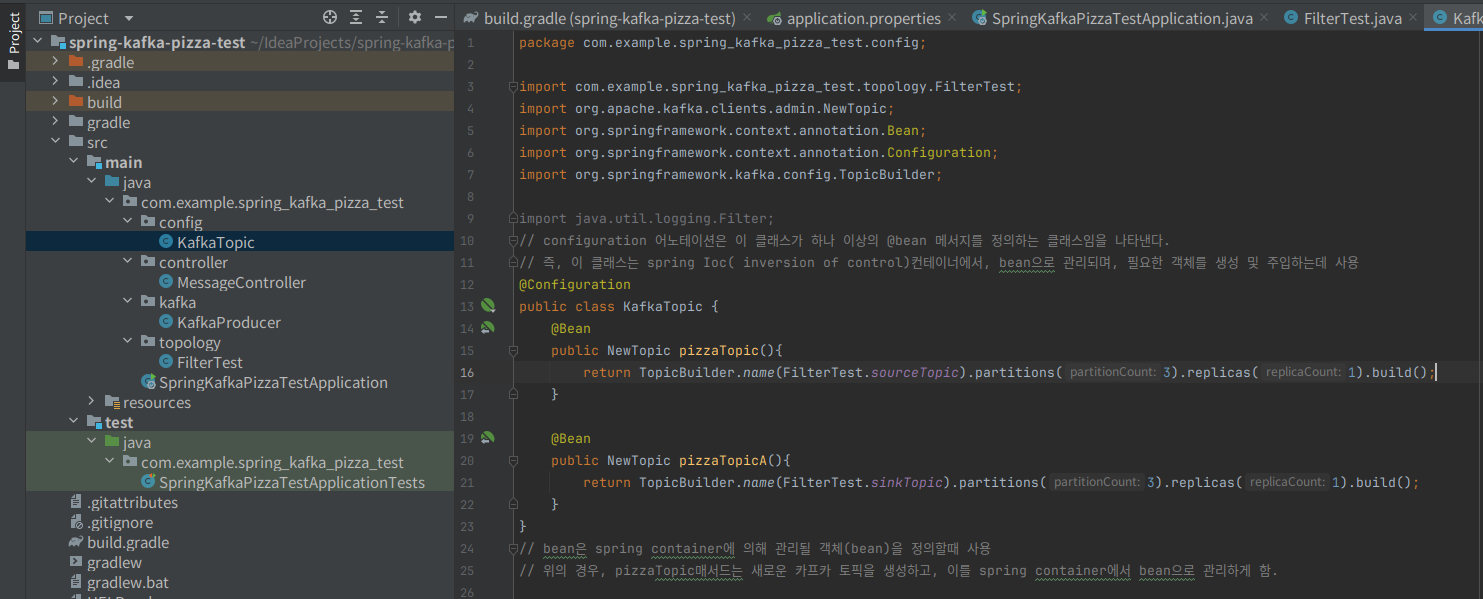
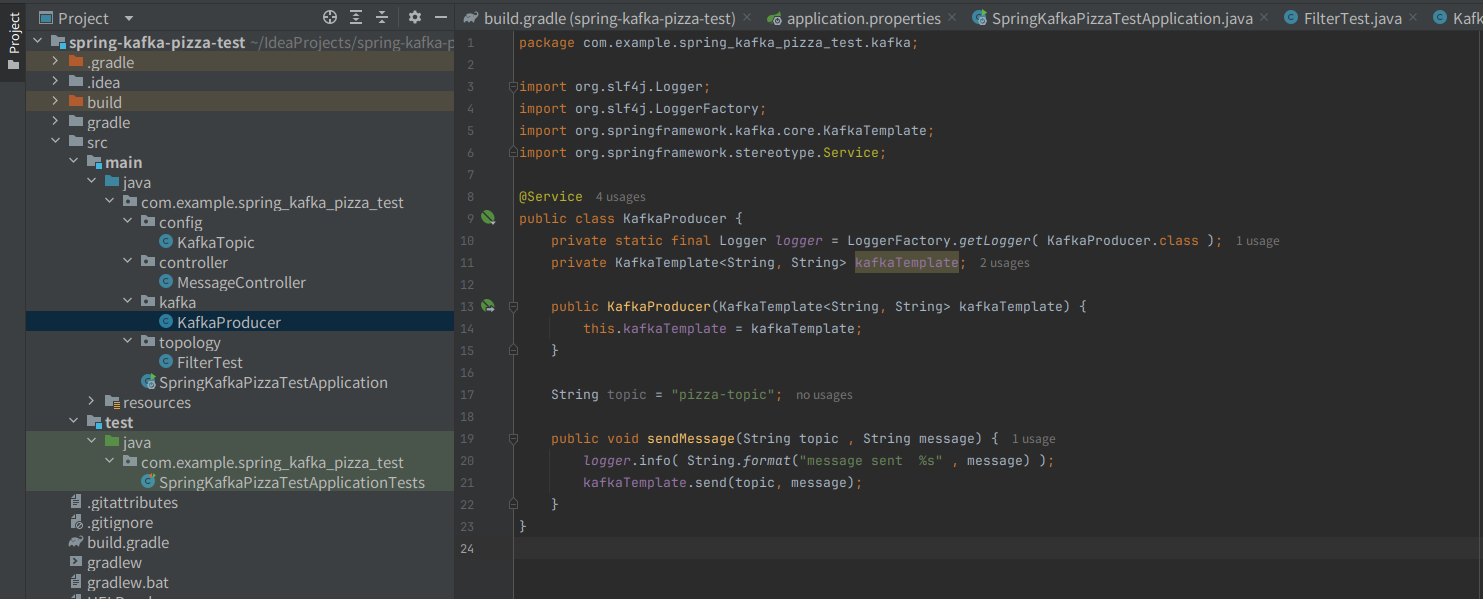
7. kafka package의 kafkaProducer class
package com.example.spring_kafka_pizza_test.kafka;

import org.slf4j.Logger;
import org.slf4j.LoggerFactory;
import org.springframework.kafka.core.KafkaTemplate;
import org.springframework.stereotype.Service;

// service 어노테이션은 이 클래스가 서비스 계층임을 나타냄
// 즉, 비즈니스 로직을 수행한다는 것을 의미하며, spring container가 이 class를 bean으로 관리하게 함
// ------------------KafkaTemplate은 kafka로 message를 전송하기 위한 template class이다.
//                    아래에서 나는 key를 string으로, value도 string으로 전송하는 template을 사용중이다. 즉, kafkaTemplate은 message 전송을 담당
// -----------------kafkaProdycer는 생정자를 통해서 객체가 생성될때, kafkaTemplate 객체를 주입 받는다. 이를 spring이 의존성 주입을 통해서 필요한 kafkatemplate를 bean으로 자동으로 주입해줌.
@Service
public class KafkaProducer {
    private static final Logger logger = LoggerFactory.getLogger( KafkaProducer.class );
    private KafkaTemplate<String, String> kafkaTemplate;

    public KafkaProducer(KafkaTemplate<String, String> kafkaTemplate) {
        this.kafkaTemplate = kafkaTemplate;
    }

    String topic = "pizza-topic";

    public void sendMessage(String topic , String message) {
        logger.info( String.format("message sent  %s" , message) );
        // kafkaTemplate.send메서드는 지정된 토픽에 비동기 방식으로 메시지를 전송함.
        kafkaTemplate.send(topic, message);
    }
}
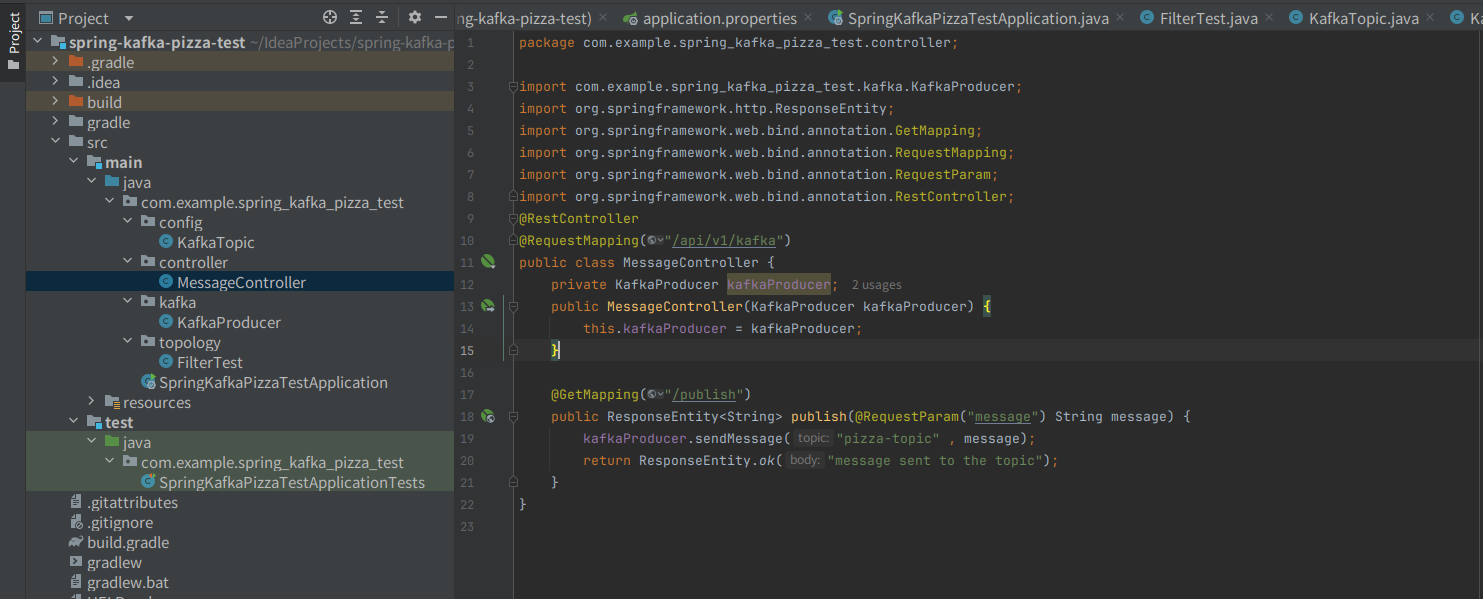
8.controller package의 MessageController class
package com.example.spring_kafka_pizza_test.controller;

import com.example.spring_kafka_pizza_test.kafka.KafkaProducer;
import org.springframework.http.ResponseEntity;
import org.springframework.web.bind.annotation.GetMapping;
import org.springframework.web.bind.annotation.RequestMapping;
import org.springframework.web.bind.annotation.RequestParam;
import org.springframework.web.bind.annotation.RestController;

// RestController는 이 클래스가 spring의 restful 웹서비스의 컨트롤러임을 의미한다. 이 클래스는 http요청을 처리하고, json or xml 형식의 데이터를 반환함.
// RequestMapping은 이 클래스 내의 모든 http요청의 경로가 괄호안으로 시작함을 명시.
@RestController
@RequestMapping("/api/v1/kafka")
public class MessageController {
    // KafkaProcuder는 message를 kafka로 전송하는 class이다. 여기서는 MessageController클래스에서 이 producer를 사용해서 message를 전송한다.
    private KafkaProducer kafkaProducer;
    public MessageController(KafkaProducer kafkaProducer) {
        this.kafkaProducer = kafkaProducer;
    }
    // GetMappring은 http GET요청을 처리하는 핸들러 메서드를 정의함.
    @GetMapping("/publish")
    public ResponseEntity<String> publish(@RequestParam("message") String message) {
        kafkaProducer.sendMessage("pizza-topic" , message);
        return ResponseEntity.ok("message sent to the topic");
    }
}
9. topology package의 FilterTest class
package com.example.spring_kafka_pizza_test.topology;

import lombok.extern.slf4j.Slf4j;
import org.apache.kafka.common.serialization.Serdes;
import org.apache.kafka.streams.StreamsBuilder;
import org.apache.kafka.streams.kstream.Consumed;
import org.apache.kafka.streams.kstream.Printed;
import org.apache.kafka.streams.kstream.Produced;
import org.springframework.beans.factory.annotation.Autowired;
import org.springframework.kafka.support.serializer.JsonSerde;
import org.springframework.stereotype.Component;
// component는 이 클래스가 spring의 컴포넌트로 등록되며, 자동으로 관리 되도록 한다. 이 클래스는 spring apllication 컨텍스트에서 bean으로 사용됨
@Component
@Slf4j
public class FilterTest {
    public static String sourceTopic = "pizza-topic";
    public static String sinkTopic = "pizza-topic-A";

    // autowired는 streamBuilder 객체를 자동으로 주입해준다.
    // spring이 kafka streams 처리를 위해서 이 객체를 제공하며, stream 처리 로직을 설정 할 수 있게 해줌.
    @Autowired
    public void process(StreamsBuilder builder){
      var sourceStream = builder.stream( sourceTopic , Consumed.with(Serdes.String() , Serdes.String() ));
      sourceStream.print(Printed.<String , String>toSysOut().withLabel("this is source stream") );
      var sinkStream = sourceStream.mapValues( (readOnlyKey , value ) -> value.toUpperCase() );
      sinkStream.to( sinkTopic , Produced.with( Serdes.String() , Serdes.String() ) );

    }
}
// builder.stream은 주어진 토픽에서 스트림을 읽어온다. consumed.with는 이러한 스트림을 어떻게 읽을지 설정하는데, 여기에서는 string으로 읽어줌
// print()는 스트림에 들어온 데이터를 콘솔에 출력한다. withLabel 메서드를 사용해서 출력되는 로그에 라벨을 추가함.

// mapValues()메서드는 스트림의 값을 변환한다. 여기서는 각 메시지 값을 대문자로 변환하였다.
// to()는 처리된 데이터를 새로운 토픽으로 보낸다. proudce.with는 해당 토픽에 데이터를 어떻게 보낼지 설정함.
10. FileProducerPizza 클래스 ( 이는 다른 프로젝트에서 작업을 하였음 )
package com.practice.kafka.producer;

import org.apache.kafka.clients.producer.KafkaProducer;
import org.apache.kafka.clients.producer.ProducerConfig;
import org.apache.kafka.clients.producer.ProducerRecord;
import org.apache.kafka.common.serialization.StringSerializer;
import org.slf4j.Logger;
import org.slf4j.LoggerFactory;

import java.io.BufferedReader;
import java.io.FileNotFoundException;
import java.io.FileReader;
import java.io.IOException;
import java.net.HttpURLConnection;
import java.net.MalformedURLException;
import java.net.URL;
import java.net.URLEncoder;
import java.nio.charset.StandardCharsets;
import java.util.Properties;

public class FileProducerPizza {
    public static final Logger logger = LoggerFactory.getLogger(FileProducerPizza.class.getName());
    public static void main(String[] args) {
        String apiUrl = "http://localhost:8080/api/v1/kafka/publish";
        String filePath = "/home/jeongjihong/IdeaProjects/Kafka_practice_01/practice/src/main/resources/pizza_sample.txt";
        // kafka producer 객체 생성 -> producerRecords 생성 -> send 비동기 전송
        sendFileMessages( apiUrl, filePath );
    }

    private static void sendFileMessages(String apiUrl , String filePath) {
        String line = "";
        final String delimiter = ",";
        try(BufferedReader br = new BufferedReader( new FileReader(filePath) ) ){
            while( (line = br.readLine() ) != null ){
                String[] tokens = line.split(delimiter);
                String key = tokens[0];
                StringBuilder value = new StringBuilder();
                for( int i=1 ; i<tokens.length ; i++ ){
                    if( i != (tokens.length-1) ){
                        value.append(tokens[i]).append(delimiter);
                    }else{
                        value.append(tokens[i]);
                    }
                }
                String msg = key + ":" + value;
                sendHttpRequest(apiUrl,msg);
            }
        } catch (FileNotFoundException e) {
            throw new RuntimeException(e);
        } catch (IOException e) {
            throw new RuntimeException(e);
        }
    }

    private static void sendHttpRequest(String apiUrl , String msg) {
        try{
            String encodedMsg = URLEncoder.encode(msg, StandardCharsets.UTF_8.toString());
            URL url = new URL( apiUrl + "?message=" + encodedMsg );
            HttpURLConnection connection = (HttpURLConnection)url.openConnection();
            connection.setRequestMethod("GET");
            connection.setRequestProperty("Content-Type", "application/json");
            System.out.println( "보내는 url 요청 :" + url);
            int responseCode = connection.getResponseCode();
            if(responseCode == 200){
                logger.info("msg sent successfully: {}", msg );
            }else{
                logger.error("filed to send msg. Response code: {}", responseCode);
            }
            connection.disconnect();
        }catch (IOException e){
            logger.error(e.getMessage());
        }
    }
}
1. 테스트를 해볼것이다.

2. spring server를 구동한다.


3. 확인을 위해서 우선 console-producer 켜줌


4. FileProducerPizza를 실행함.



만약 FileUtilAppend를 사용한다면... 아래의 FileAppendProducerPizza를 사용
package com.practice.kafka.producer;
import org.slf4j.Logger;
import org.slf4j.LoggerFactory;

import java.io.*;
import java.net.HttpURLConnection;
import java.net.URL;
import java.net.URLEncoder;
import java.nio.charset.StandardCharsets;

public class FileAppendProducerPizza {
    public static final Logger logger = LoggerFactory.getLogger(FileAppendProducer.class.getName());

    public static void main(String[] args) {
        // 파일 경로 설정
        File file = new File("/home/jeongjihong/IdeaProjects/Kafka_practice_01/practice/src/main/resources/pizza_sample.txt");
        // API URL
        String apiUrl = "http://localhost:8080/api/v1/kafka/publish";

        // 파일을 지속적으로 읽으면서 메시지 전송
        continuouslyReadFileAndSendMessages(file, apiUrl);
    }

    private static void continuouslyReadFileAndSendMessages(File file, String apiUrl) {
        long lastModified = file.lastModified();

        while (true) {
            // 파일 수정 여부를 체크
            if (file.lastModified() > lastModified) {
                lastModified = file.lastModified();
                try (BufferedReader reader = new BufferedReader(new FileReader(file))) {
                    String line;
                    // 파일의 마지막 부분부터 읽기
                    while ((line = reader.readLine()) != null) {
                        // 메시지를 URL로 전송
                        sendHttpRequest(apiUrl, line);
                    }
                } catch (IOException e) {
                    logger.error("Error reading file: {}", e.getMessage());
                }
            }

            try {
                // 1초 간격으로 파일을 체크
                Thread.sleep(1000);
            } catch (InterruptedException e) {
                logger.error("File monitoring thread interrupted: {}", e.getMessage());
                break;
            }
        }
    }

    private static void sendHttpRequest(String apiUrl, String message) {
        try {
            // 메시지를 URL로 인코딩
            String encodedMessage = URLEncoder.encode(message, StandardCharsets.UTF_8.toString());
            // API URL 생성
            URL url = new URL(apiUrl + "?message=" + encodedMessage);
            HttpURLConnection connection = (HttpURLConnection) url.openConnection();
            connection.setRequestMethod("GET");
            connection.setRequestProperty("Content-Type", "application/json");

            int responseCode = connection.getResponseCode();
            if (responseCode == 200) {
                logger.info("Message sent successfully: {}", message);
            } else {
                logger.error("Failed to send message. Response code: {}", responseCode);
            }

            connection.disconnect();
        } catch (IOException e) {
            logger.error("Error sending HTTP request: {}", e.getMessage());
        }
    }
}